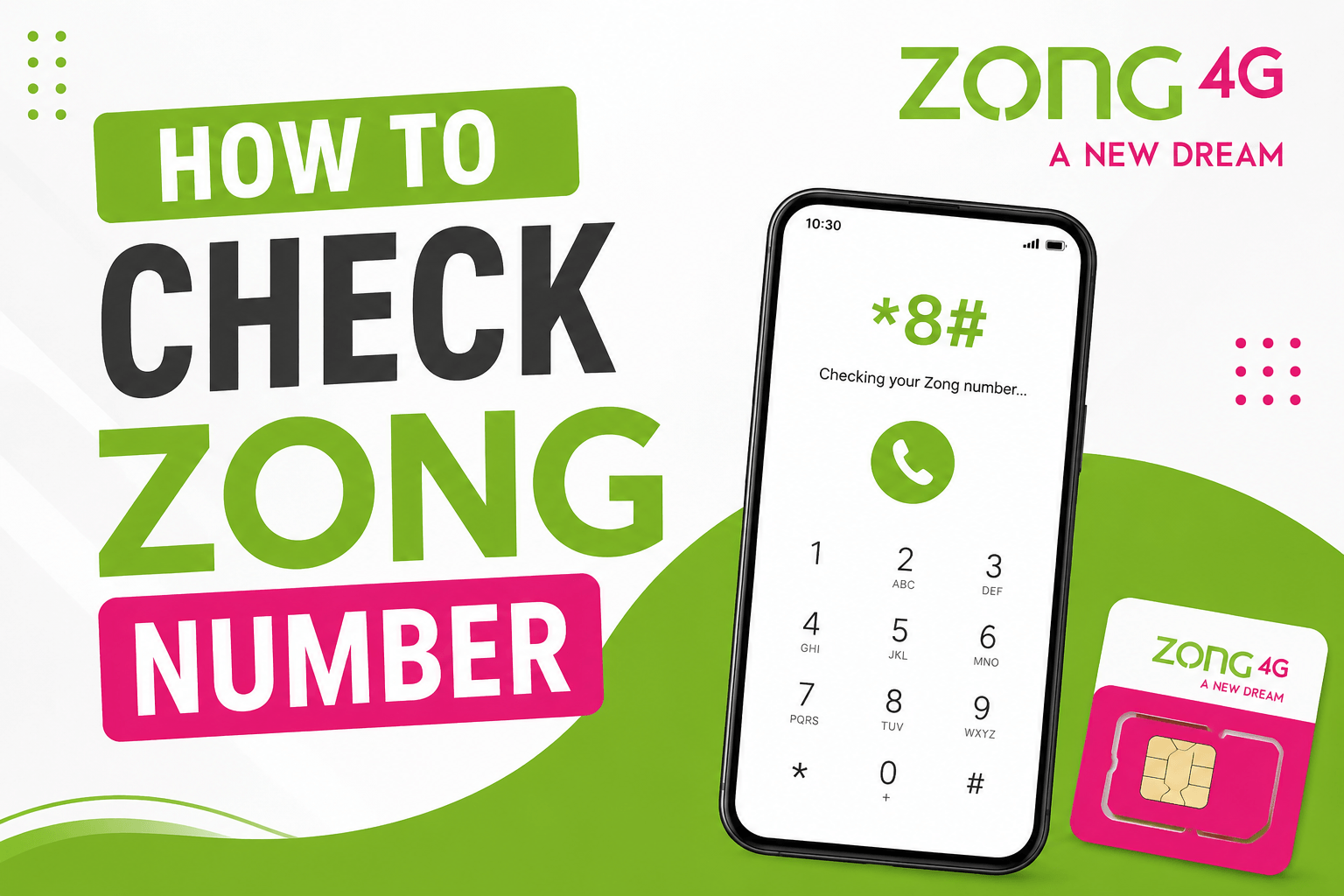
How to check Zong number is a common question, especially if you have forgotten your mobile number. If that’s why you’re here, don’t worry. Many people forget their Zong number, especially after buying a new SIM or using it only occasionally.
The good news is that checking your Zong number is quick and easy. You don’t need to visit a Zong franchise or ask someone else for help. There are a few simple methods that let you find your number directly from your phone.
In this guide, I’ll show you step by step how to check your Zong number, the Zong number check code you can use, and some other ways to find your number if needed. By the end of this article, you’ll know exactly how to find your Zong number in just a few minutes.
Also Checkout : How to Check your Jazz Number in 2026
Methods to Check Your Zong Number
If you have forgotten your Zong number, there are several easy ways to find it. Some methods let you check your number using a code, while others help you find it through the My Zong App or by making a call. Don’t worry if one method doesn’t work for you—there are other options you can try.
In the sections below, I’ll explain each method step by step so you can choose the one that is easiest for you. Just follow the instructions, and you should be able to find your Zong number within a few minutes.
How to Check Zong Number Using a Code
If you want to find your Zong number quickly, using the Zong number check code is one of the easiest methods. You just need to dial a simple code from your Zong SIM, and your number will be shown on the screen within a few seconds. This method is free, fast, and works directly from your phone.
Also Check out: Zong Balance Save Code – How to Activate
Steps:
- Open the Phone app on your mobile.
- Dial *8#.
- Press the Call button.
- Wait a few seconds for the request to process.
- Your Zong number will appear on the screen.
Note: If the code does not work on your SIM, you can try one of the other methods explained below.
How to Find Your Zong Number Through the My Zong App
Another easy way to find your Zong number is by using the My Zong App. If you already have the app installed and your SIM is registered in it, you can view your number directly from your account information. This method is useful if you prefer managing your Zong services through the app.
Steps:
- Download and install the My Zong App if you haven’t already.
- Open the app on your phone.
- Sign in with your Zong SIM.
- Go to the home screen or account section.
- Your Zong number will be displayed there.
Also Checkout: How to Check Ufone Number in 2026 (Find Your Number)
How to Check Your Zong Number by Calling or SMS
If you don’t want to use a code or an app, you can simply call or send an SMS to a friend or family member. Once they receive the call or message, your Zong number will appear on their phone. This is one of the easiest methods when you have another phone available nearby.
Steps:
- Open the Phone or Messages app.
- Call or send an SMS to a friend or family member.
- Ask them to check the number shown on their phone.
- Note down your Zong number for future use.
Also CHeckout: How to Check your Telenor Number (6 Easy Methods)
What Is the Zong Number Check Code?
- *8#.
If you’re wondering what the Zong number check code is, the code is *8#. This is the easiest way to find your Zong number when you can’t remember it. Simply dial *8# from your Zong SIM, and your number will be displayed on your screen within a few seconds.
It’s a quick and simple method that helps you find your number without needing to visit a Zong franchise or ask someone else for help.
What to Do If the Zong Number Check Code Doesn’t Work
If the *8# code doesn’t work on your phone, don’t worry. Sometimes a code may not work because of a network issue, an inactive SIM, or a temporary service problem. The good news is that you still have other ways to find your Zong number.
You can try using the My Zong App, call or text a friend or contact Zong customer support by Calling 310 for help. In most cases, one of these methods will help you find your number quickly.
Things to Remember When Checking Your Zong Number
Before you try any of the methods in this guide, keep these important points in mind:
- Make sure you are using a Zong SIM card.
- Dial the code correctly to avoid errors.
- Check that your SIM is active and working properly.
- Make sure your phone has a network signal.
- If the code doesn’t work, try the My Zong App instead.
- You can also call or send an SMS to a friend to see your number.
- Contact Zong customer support if none of the methods work.
Keeping these points in mind can help you check your Zong number quickly and avoid common issues.
Frequently Asked Questions (FAQs)
How can I check my Zong number?
You can check your Zong number by dialing *8# from your Zong SIM. Your number should appear on the screen within a few seconds. You can also use the My Zong App or call a friend to see your number.
How to find my Zong number?
The easiest way to find your Zong number is by using the Zong number check code *8#.
How to know Zong number without balance?
Yes, you can know your Zong number without having any balance. Simply dial *8# from your Zong SIM and follow the instructions on your screen. You can also use the My Zong App if you have internet access.
How to check Zong SIM no?
To check your Zong SIM number, dial *8# from your phone. Your number will be displayed on the screen.
What is the Zong number check code?
The Zong number check code is *8#. Dial *8# from your Zong SIM and your mobile number will be shown on the screen within a few seconds. This is one of the quickest ways to check your Zong number.
Conclusion
I hope this guide helped you learn how to check Zong number quickly and easily. Whether you use the *8# code, the My Zong App, or the call and SMS method, finding your Zong number only takes a few minutes.
If you ever forget your number in the future, you can come back to this guide and use any of the methods explained above. The easiest option for most users is dialing *8#, but the other methods can also help if the code doesn’t work.
Now that you know how to find your Zong number, you should have no trouble accessing it whenever you need it.