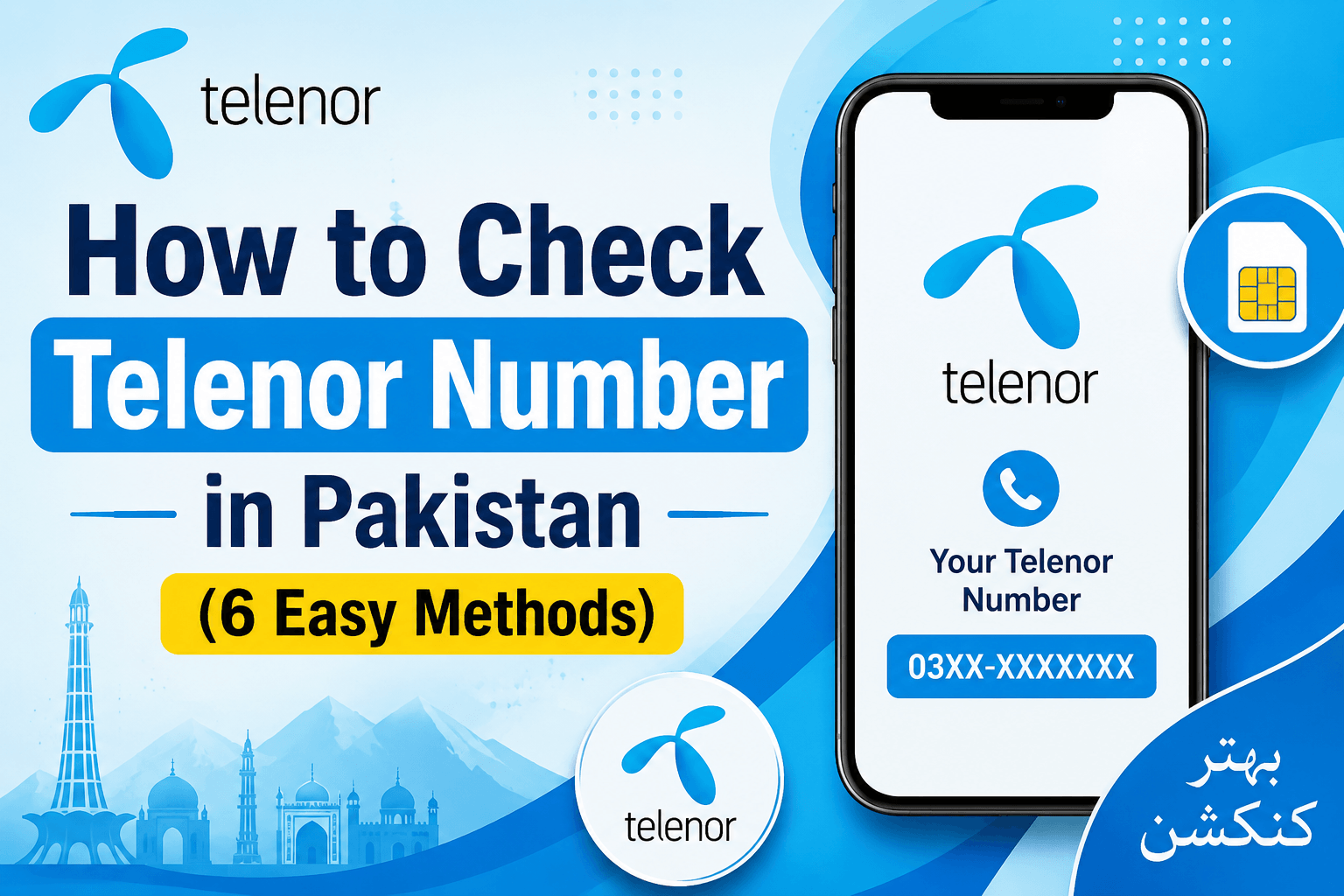
How to check Telenor number is a common question, especially when you’ve just inserted a new SIM or simply can’t remember your mobile number. If you’re in the same situation, don’t worry you’re not the only one. Many Telenor users forget their number from time to time, and the good news is that checking it is quick and easy.
In this guide, I’ll show you the simplest ways to find your Telenor number in Pakistan. Whether you have balance in your account or not, you’ll be able to view your SIM number in just a few moments by following the steps below.
Also Checkout: How to Check Your Zong Number If You Forgot It
Method 1: Telenor Number Check Code
If you’re looking for the quickest way to find your Telenor number, this method is for you. Simply dial *8888# from your Telenor SIM, and your mobile number will appear on the screen within a few seconds. The best part is that this method usually works even if you don’t have any balance.
How to Do It Step by Step
- Open the Phone app on your mobile.
- Dial *8888#.
- Press the call button.
- Wait a few seconds.
- Your Telenor number will be displayed on the screen.
Note: If the code does not work, make sure your Telenor SIM is active and your phone has a stable network signal.
Also Checkout: How to Check Jazz Number and Find Your SIM Number
Method 2: Send a Blank SMS to 7421
Another easy way to find your Telenor number is by sending a blank SMS to 7421. After sending the message, you’ll receive a reply containing information related to your SIM, including your mobile number if the service is available.
How to Do It Step by Step
- Open the Messages app.
- Create a new message.
- Leave the message body empty.
- Send the blank SMS to 7421.
- Wait for the reply message.
- Check the received SMS for your number details.
Note: Standard SMS charges may apply depending on your package or current tariff plan.
Also Checkout: Jazz Balance Saver Code – How to Activate and Deactivate
Method 3: Use the My Telenor App
If you already have the My Telenor App installed, you can check your number without dialing any code. Once you log in, your Telenor number is usually displayed on the home screen along with your balance and package information.
How to Do It Step by Step
- Download and install the My Telenor App if you don’t already have it.
- Open the app.
- Sign in using your Telenor SIM.
- Go to the main dashboard.
- Look for your mobile number at the top of the screen.
Note: You may need an internet connection and a registered Telenor account to access your number through the app.
Also Checkout: Zong Balance Save Code – How to Activate
Method 4: Check Your SIM Card Jacket or Retailer Slip
When you buy a new SIM, the mobile number is often printed on the SIM card jacket or the receipt provided by the retailer. If you still have these documents, you may be able to find your number without using your phone.
How to Do It Step by Step
- Find the original SIM card packaging.
- Check the front and back of the SIM jacket.
- Look for a printed mobile number.
- If you have the retailer receipt, review it as well.
- Note down the number for future use.
Note: This method only works if you still have the original SIM packaging or purchase receipt.
Also Checkout: How to Check Ufone Number in 2026 (Find Your Number)
Method 5: Call the Telenor Helpline (345)
If none of the other methods work, contacting Telenor customer support can help. A customer service representative can verify your identity and provide your mobile number.
How to Do It Step by Step
- Open the Phone app.
- Dial 345 from your Telenor SIM.
- Follow the automated menu instructions.
- Connect with a customer support representative.
- Request assistance in finding your Telenor number.
- Complete any verification process if required.
Note: The customer support representative may ask you to verify your identity before providing account details.
Method 6: Call or SMS a Friend
One of the simplest methods is to call or send a text message to a friend or family member. Your number will appear on their phone screen, allowing you to see it instantly.
How to Do It Step by Step
- Make sure your Telenor SIM is active.
- Call or send an SMS to a friend.
- Ask them to check the number displayed on their phone.
- Note down the number they see.
- Save the number in your contacts for future reference.
Note: Make sure your SIM is active and able to make calls or send messages before trying this method.
Important Tips for Checking Your Telenor Number
Most of the time, checking your Telenor number is quick and hassle-free. However, there are situations where the code may not work or you may not receive a response. To avoid these issues, keep the following tips in mind:
- Make sure your Telenor SIM is properly inserted in your phone.
- Check that your SIM is active and has not been blocked or expired.
- Ensure your phone has network coverage before dialing the code.
- Dial the number check code exactly as provided, without any extra digits or spaces.
- Restart your phone if the code is not working on the first attempt.
- Try another method, such as the My Telenor App or calling a friend, if the code does not display your number.
- Keep the My Telenor App updated to avoid login or account-related issues.
- Save your mobile number in your contacts once you find it so you won’t need to check it again later.
- Contact Telenor customer support if none of the methods work or if you continue experiencing problems.
By following these simple tips, you can avoid common issues and check your Telenor number quickly whenever you need it.
Frequently Asked Questions (FAQ)
How do I check my Telenor SIM number?
You can check your Telenor SIM number by dialing *8888# from your Telenor SIM. After dialing the code, your mobile number will be displayed on the screen within a few seconds.
What is the Telenor number check code?
The Telenor number check code is *8888#. Simply dial the code from your phone and follow the on-screen instructions to view your number.
Can I check my Telenor number without balance?
Yes, in most cases, you can check your Telenor number without having any balance in your account. You can use the number check code or try other methods such as the My Telenor App.
How can I find my Telenor number if the code is not working?
If the code is not working, you can use the My Telenor App, check your SIM card packaging, call the Telenor helpline, or call and SMS a friend to see your number.
Can I check my Telenor number through the My Telenor App?
Yes. After signing in to the My Telenor App, your mobile number is usually displayed on the home screen along with your account information.
Is there another way to know my Telenor number?
Yes. You can check your SIM card jacket, contact Telenor customer support, or call a friend and ask them to tell you the number that appears on their screen.
Why is my Telenor number not showing after dialing the code?
This can happen due to network issues, an inactive SIM card, or a temporary service problem. Make sure your SIM is active, you have network coverage, and try again after restarting your phone.
Conclusion
Now that you know how to check Telenor number, finding your SIM number should be quick and easy whenever you need it. Whether you use the Telenor number check code, the My Telenor App, contact customer support, or simply call a friend, there are several reliable ways to view your number.
If you’re looking for the fastest option, dialing *8888# is usually the easiest method. Once you find your number, it’s a good idea to save it in your contacts or notes so you can access it anytime without going through the process again.
Hopefully, this guide helped you find your Telenor number without any trouble. If one method doesn’t work, simply try another option from the list above, and you should have your number in just a few moments.